GPT Image 2.6 API: GIF Memes, 2K/4K and Pricing
Generate images and GIF memes with GPT Image 2.6 Flare and Sunburst. Explore 8 meme examples, copyable prompts, Python/cURL requests, 2K/4K outputs and token pricing.
GPT Image 2.6 creates images and looping GIFs from text prompts. Flare suits fast iteration; Sunburst suits detailed visual work. This guide includes original reaction memes, reproducible requests and measured image dimensions and token usage.
Choose Flare or Sunburst
| Model ID | Typical use | Example in this guide |
|---|---|---|
openai/gpt-image-2.6-flare | Everyday images and rapid iterations | Fox, developer and office reaction GIFs; 2K product image |
openai/gpt-image-2.6-sunburst | Detailed compositions | Robot and cat GIFs, two-panel memes and 4K landscape |
Both models use the same token rates. Equal rates do not imply identical cost per image. Timings below describe these individual requests, not a latency guarantee.
8 meme examples: 6 GIFs and 2 static images
From shipping code to Friday sign-offs, every result below was generated directly by the named GPT Image 2.6 model. All GIFs use 512x512, quality: low, complexity: low, 9 frames and 200 ms per frame. Static memes use 1024x1024 PNG with quality: low and complexity: low. Every request uses n=1. GIFs loop automatically once loaded. Expand a prompt to copy and reuse it.
Put the chosen prompt into the request below and select the model named beside the example. For a static meme, use output_format: png and size: 1024x1024, and remove frame_count and frame_duration_ms.
Flare: the SHIP IT fox

Output: 512×512 GIF. Requested animation: 9 frames at 200 ms per frame, a target cycle of 1.8 seconds. Generation took approximately 9.7 seconds. The file contains 9 distinct frames and loops every 1.8 seconds.
Expand and copy the full prompt
Create a looping reaction GIF meme. A cheerful small orange fox at a laptop
raises both paws in a tiny celebration, blinks, then returns to its starting
pose. Clean flat illustration, cream background, fixed camera. The bold dark
caption SHIP IT stays completely still and readable throughout. Seamless
loop, consistent character.
Sunburst: the LOADING coffee robot
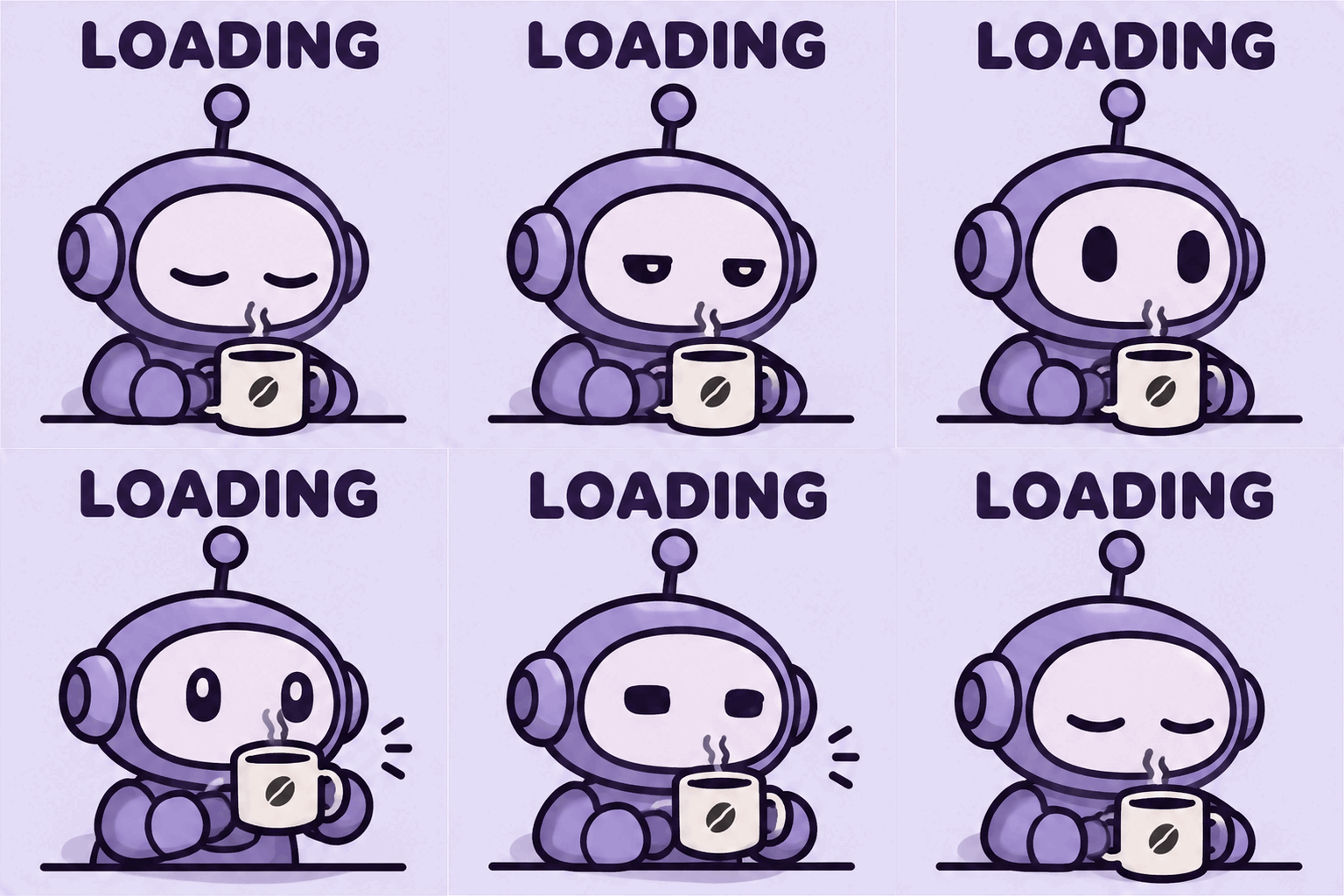
Output: 512×512 GIF, requested at 9 frames and 200 ms per frame. Generation took approximately 17.1 seconds.
Expand and copy the full prompt
Create a looping reaction GIF meme. A sleepy round purple robot holding a
coffee mug slowly opens its eyes, lifts the mug a little, and returns to the
starting pose. Minimal flat illustration on a pale lavender background,
fixed camera. The caption LOADING stays completely still and readable
throughout. Smooth seamless loop, consistent character.
Developer life: ONE MORE BUG

Model: openai/gpt-image-2.6-flare. For code reviews, debugging updates and developer chats: a brief moment of victory interrupted by another bug.
Expand and copy the full prompt
Create a square looping reaction GIF meme. An original small round penguin wearing
round glasses sits at a laptop, looking pleased. One tiny lime-green cartoon bug
pops up beside the laptop; the penguin slowly side-eyes it, then the bug ducks away
and the penguin returns to the initial pose. Clean bold 2D comic illustration, navy
outlines, pale blue background, centered composition, fixed camera. Across the top,
large dark lettering reads exactly ONE MORE BUG and remains completely still and
readable in every frame. One character, one small bug, subtle motion, seamless loop.
No other text, logos or watermarks.
Office reaction: FRIDAY MODE
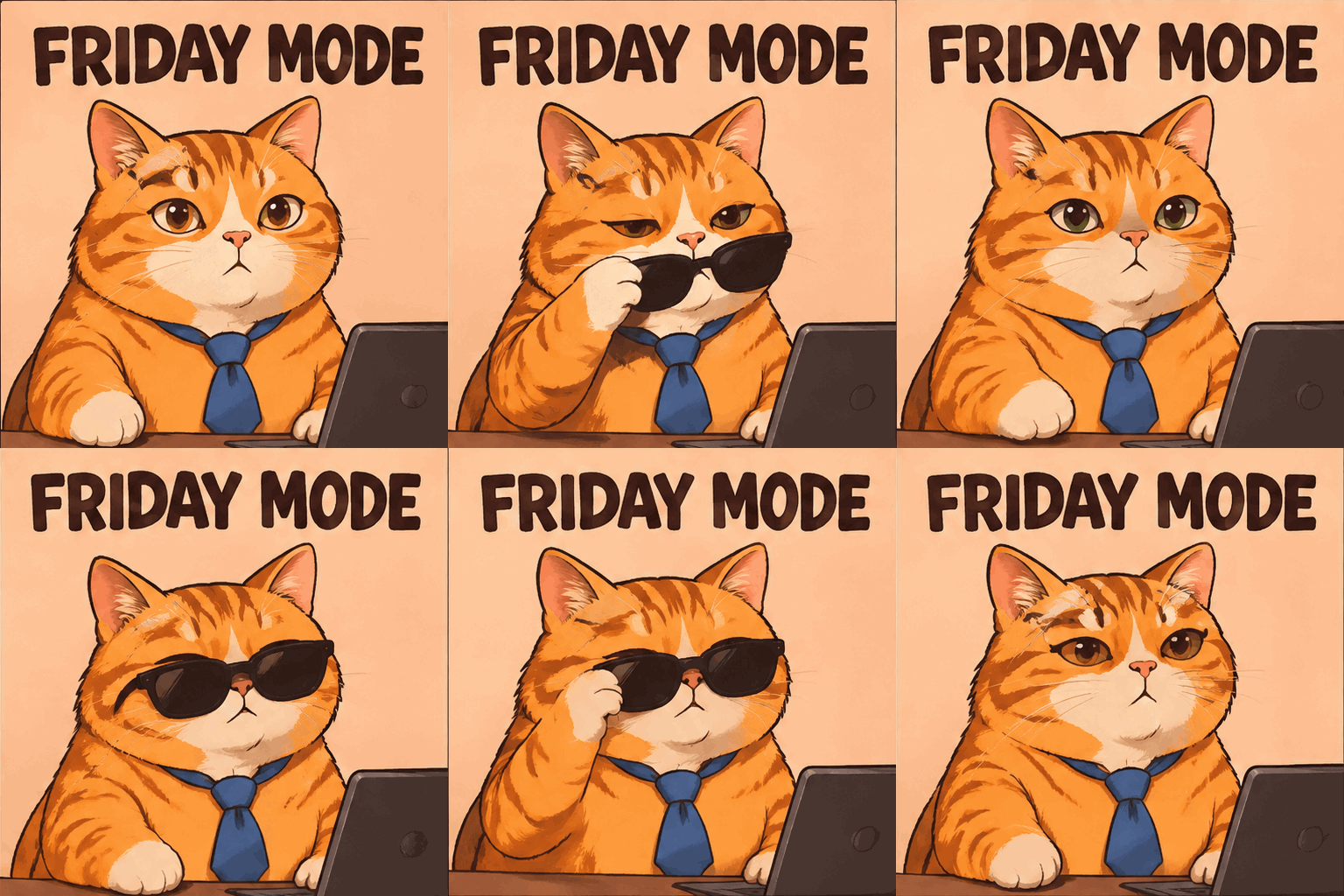
Model: openai/gpt-image-2.6-flare. For Friday sign-offs, completed tasks and team celebrations. A small sunglasses gesture keeps the loop simple.
Expand and copy the full prompt
Create a square looping reaction GIF meme. An original chubby orange office cat in a
tiny loose blue necktie sits at a desk. The cat lowers black sunglasses over its
eyes, makes a tiny satisfied head nod, then lifts the glasses and returns to its
initial pose. Bold sticker-like 2D illustration with thick clean outlines, warm
peach background, centered composition, fixed camera. The large dark caption FRIDAY
MODE is fixed across the top, exactly those words, crisp and motionless in every
frame. Only the glasses, one paw and head move. Seamless loop. No other text, logos
or watermarks.
Skeptical cat: SURE
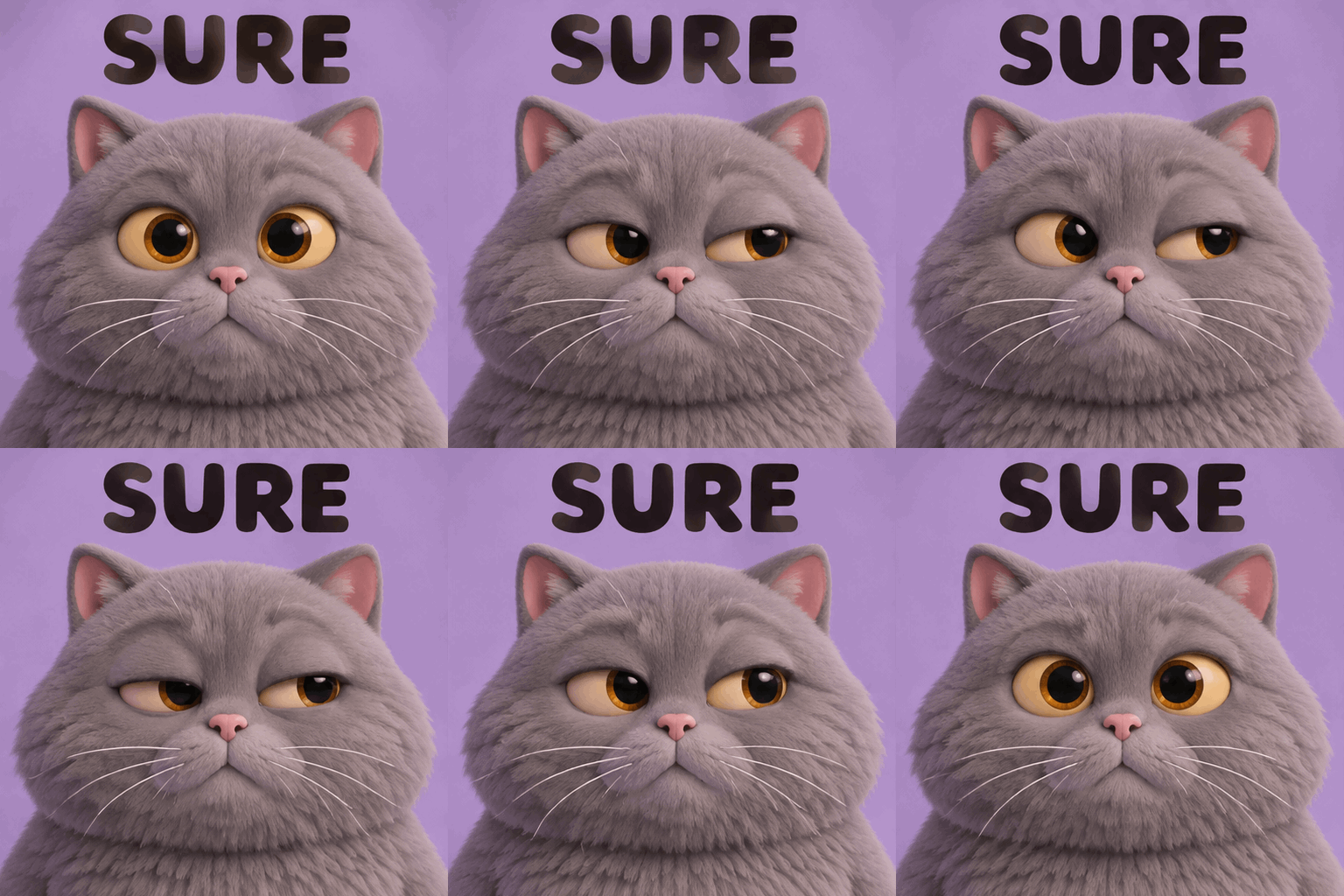
Model: openai/gpt-image-2.6-sunburst. A reaction to claims such as almost done or it will definitely work, using a subtle skeptical expression.
Expand and copy the full prompt
Create a square looping reaction GIF meme. Close-up portrait of an original fluffy
round gray cat with expressive amber eyes. It looks straight ahead, slowly narrows
one eye and glances sideways with gentle skepticism, then blinks and returns to the
initial expression. Tactile soft clay-like 3D illustration, lilac studio background,
soft even light, fixed camera, no camera movement. Big dark lettering across the top
reads exactly SURE and stays perfectly still and legible in every frame. Tiny
controlled facial animation, consistent face, seamless loop. No other text, logos or
watermarks.
Designer life: ONE TINY CHANGE
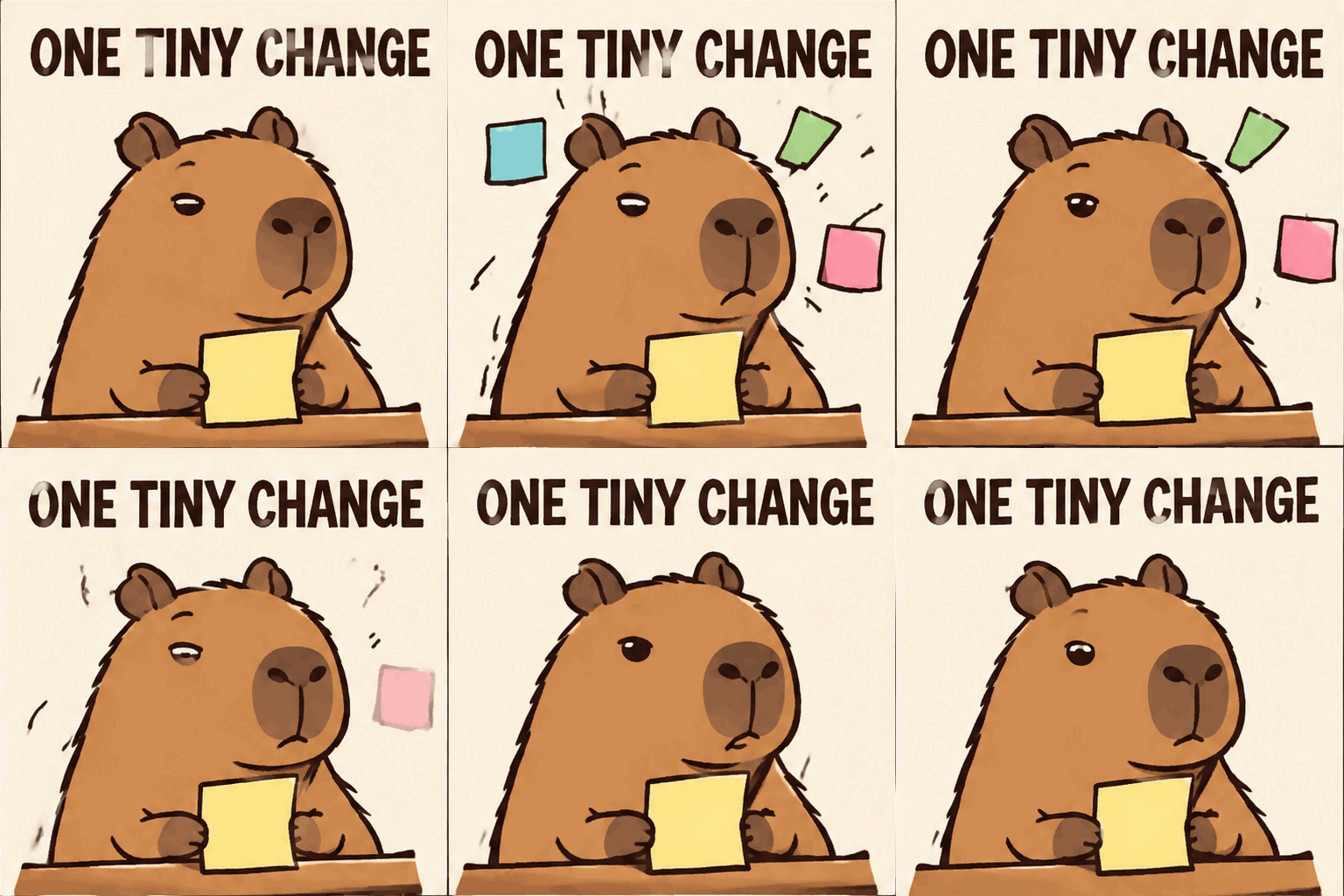
Model: openai/gpt-image-2.6-flare. For scope changes, design revisions and client feedback: a single-scene joke about a supposedly tiny edit.
Expand and copy the full prompt
Create a square looping reaction GIF meme. An original calm capybara illustrator
sits at a small desk holding one blank yellow sticky note. Three more blank pastel
sticky notes pop up around its head; it blinks with a weary deadpan expression; the
extra notes vanish and it returns to the starting pose. Clean editorial cartoon,
thick brown outlines, cream background, centered composition, fixed camera. The
caption ONE TINY CHANGE appears in large dark text across the top and stays
perfectly fixed and readable throughout. All sticky notes are blank. Gentle motion,
seamless loop. No other text, logos or watermarks.
Two-panel meme: the five-minute fix
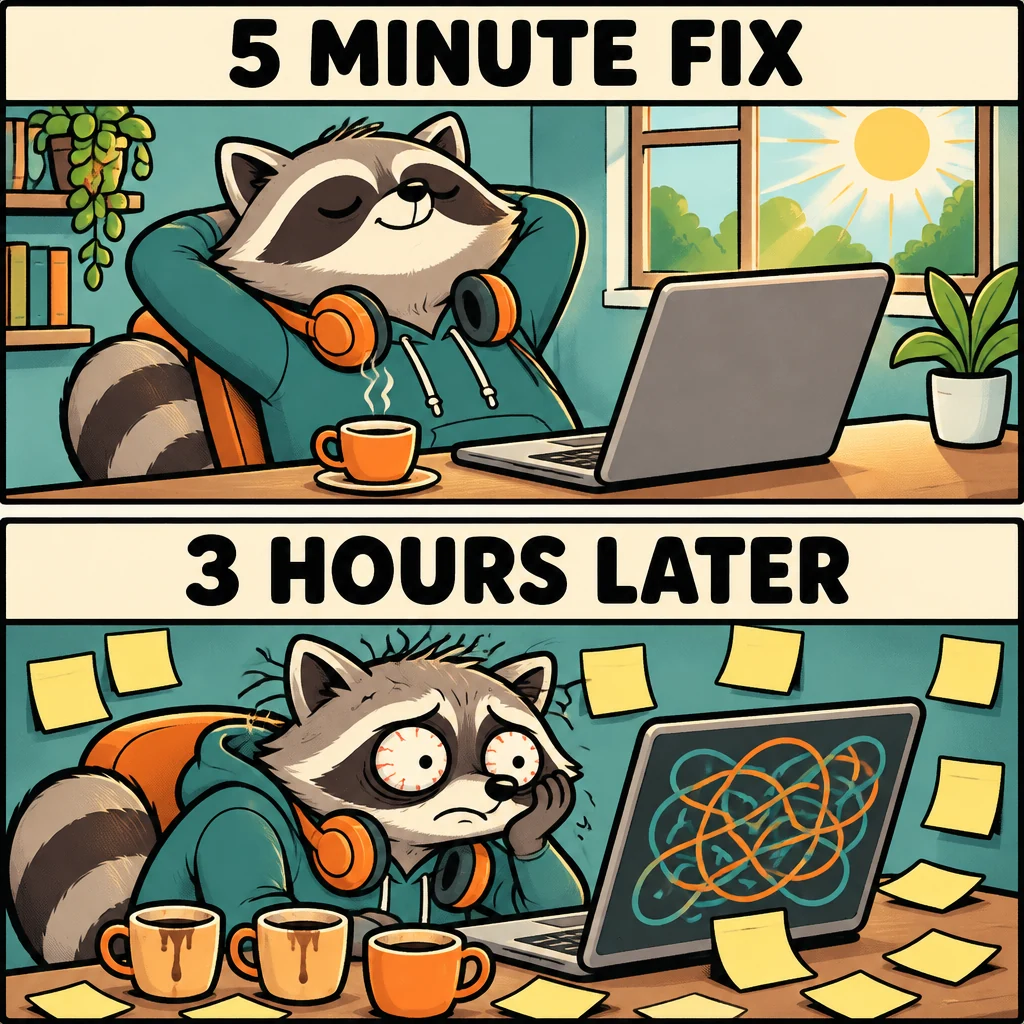
Model: openai/gpt-image-2.6-sunburst. For developer posts and project retrospectives. The same character appears in both panels, with a clear visual contrast.
Expand and copy the full prompt
Create a square 1024x1024 static meme illustration with two equally sized horizontal
panels stacked vertically, a clean white gutter between them. An original round
raccoon software developer appears in both panels with consistent design. Top panel:
relaxed raccoon at a tidy laptop with a small coffee, bright morning light; large
caption at the top reads exactly 5 MINUTE FIX. Bottom panel: same raccoon much later
with tired wide eyes, surrounded by blank sticky notes and three coffee cups,
abstract tangled lines on the screen with no readable code; large caption at the top
reads exactly 3 HOURS LATER. Funny expressive hand-drawn comic, bold outlines,
restrained teal and orange palette, highly legible black typography on clear pale
header bands. Keep both captions spelled exactly. No other text, brands or
watermarks.
Chinese-caption meme: a small edit, a large revision
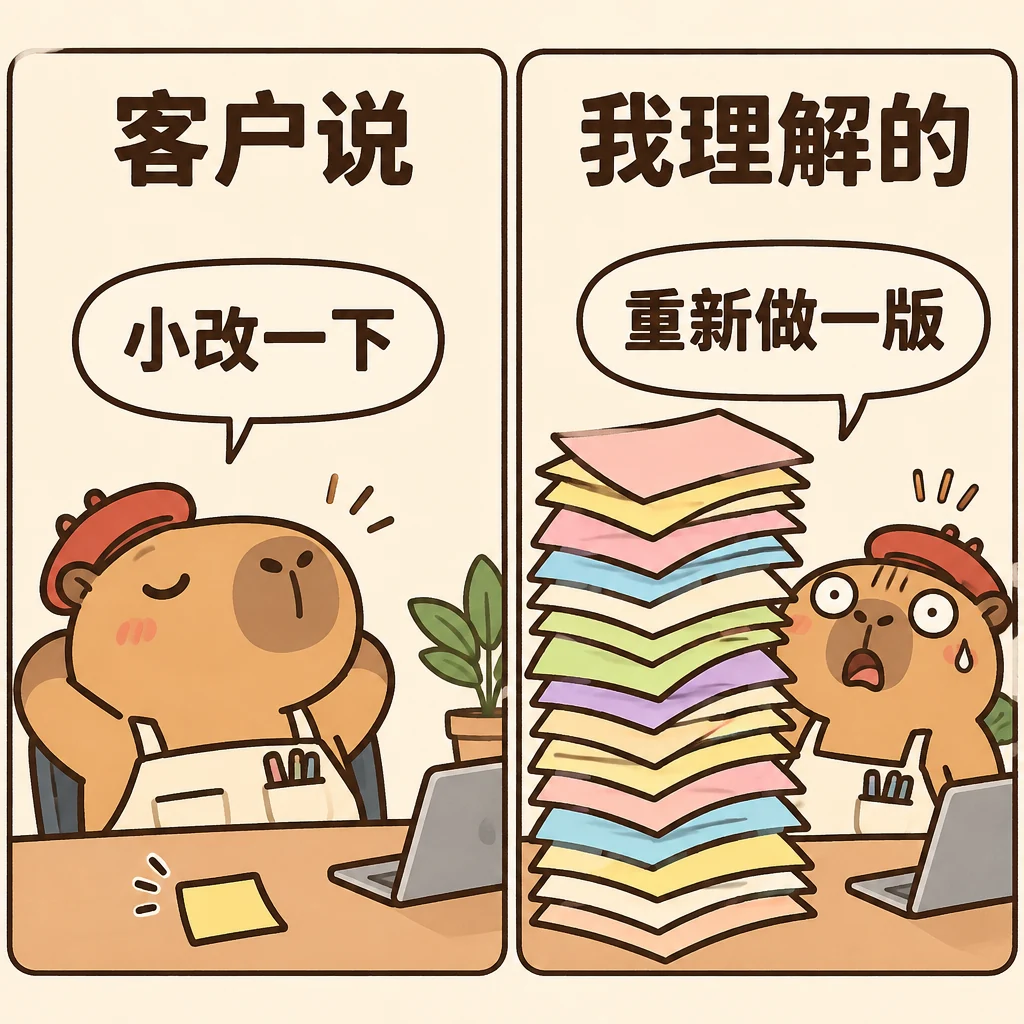
Model: openai/gpt-image-2.6-sunburst. Shows Chinese captions generated together with the image. Useful for design communities; inspect every character before publishing.
Expand and copy the full prompt
Create a square 1024x1024 static Chinese meme, two equally sized panels side by side
with a clean vertical gutter. Original cute capybara designer character, consistent
in both panels, warm editorial comic with dark brown outlines and ivory paper
background. Left panel: a very small neat blank sticky note and a relaxed capybara;
heading at the top in large bold Chinese reads exactly 客户说; speech bubble reads
exactly 小改一下. Right panel: the same capybara with a stunned expression behind a
comically tall stack of colorful blank design sheets; heading at the top in large
bold Chinese reads exactly 我理解的; speech bubble reads exactly 重新做一版. Render all four
Chinese phrases accurately, clear and readable, horizontal text, generous spacing.
No other text, logos or watermarks.
Describe the subject, motion and return to the initial pose. Keep the camera and background fixed. Ask for stationary text explicitly and inspect the output for lettering errors.
Generate a GIF with Python
Create an API key, set the ROUTEMUX_API_KEY environment variable, and install requests.
python -m pip install requestsimport base64
import os
from pathlib import Path
import requests
payload = {
"model": "openai/gpt-image-2.6-flare",
"prompt": (
"A looping reaction GIF of an orange fox celebrating at a laptop. "
"Raise both paws, blink, then return to the starting pose. "
"Cream background, fixed camera. Keep the caption SHIP IT still."
),
"n": 1,
"size": "512x512",
"quality": "low",
"complexity": "low",
"output_format": "gif",
"frame_count": 9,
"frame_duration_ms": 200,
}
response = requests.post(
"https://api.routemux.com/v1/images/generations",
headers={"Authorization": f"Bearer {os.environ['ROUTEMUX_API_KEY']}"},
json=payload,
timeout=(10, 300),
)
response.raise_for_status()
result = response.json()
Path("ship-it.gif").write_bytes(
base64.b64decode(result["data"][0]["b64_json"], validate=True)
)
print(result.get("usage"))Decode b64_json into the complete GIF file. No local frame assembly is required.
Generate a GIF with cURL
curl --fail-with-body --silent --show-error --max-time 300 \
  https://api.routemux.com/v1/images/generations \
  -H "Authorization: Bearer $ROUTEMUX_API_KEY" \
  -H "Content-Type: application/json" \
  -d '{
    "model": "openai/gpt-image-2.6-sunburst",
    "prompt": "A looping GIF of a sleepy purple robot lifting a coffee mug and returning to its starting pose. Fixed camera, pale lavender background. Keep the caption LOADING still.",
    "n": 1,
    "size": "512x512",
    "quality": "low",
    "complexity": "low",
    "output_format": "gif",
    "frame_count": 9,
    "frame_duration_ms": 200
  }' -o response.json && \
python -c 'import base64,json; from pathlib import Path; d=json.loads(Path("response.json").read_text()); Path("loading.gif").write_bytes(base64.b64decode(d["data"][0]["b64_json"], validate=True))'
Check HTTP failures before decoding. After a timeout, inspect the request record before submitting another generation.
2K and 4K output
Resolution (size), rendering quality (quality) and planning effort (complexity) are separate controls.
| Preset | Explicit size | Verified output |
|---|---|---|
| Standard square | 1024x1024 | Both models returned a 1024×1024 PNG |
| 2K square | 2048x2048 | Flare, medium: 2048×2048 PNG |
| 4K landscape | 3840x2160 | Sunburst, high: 3840×2160 PNG |
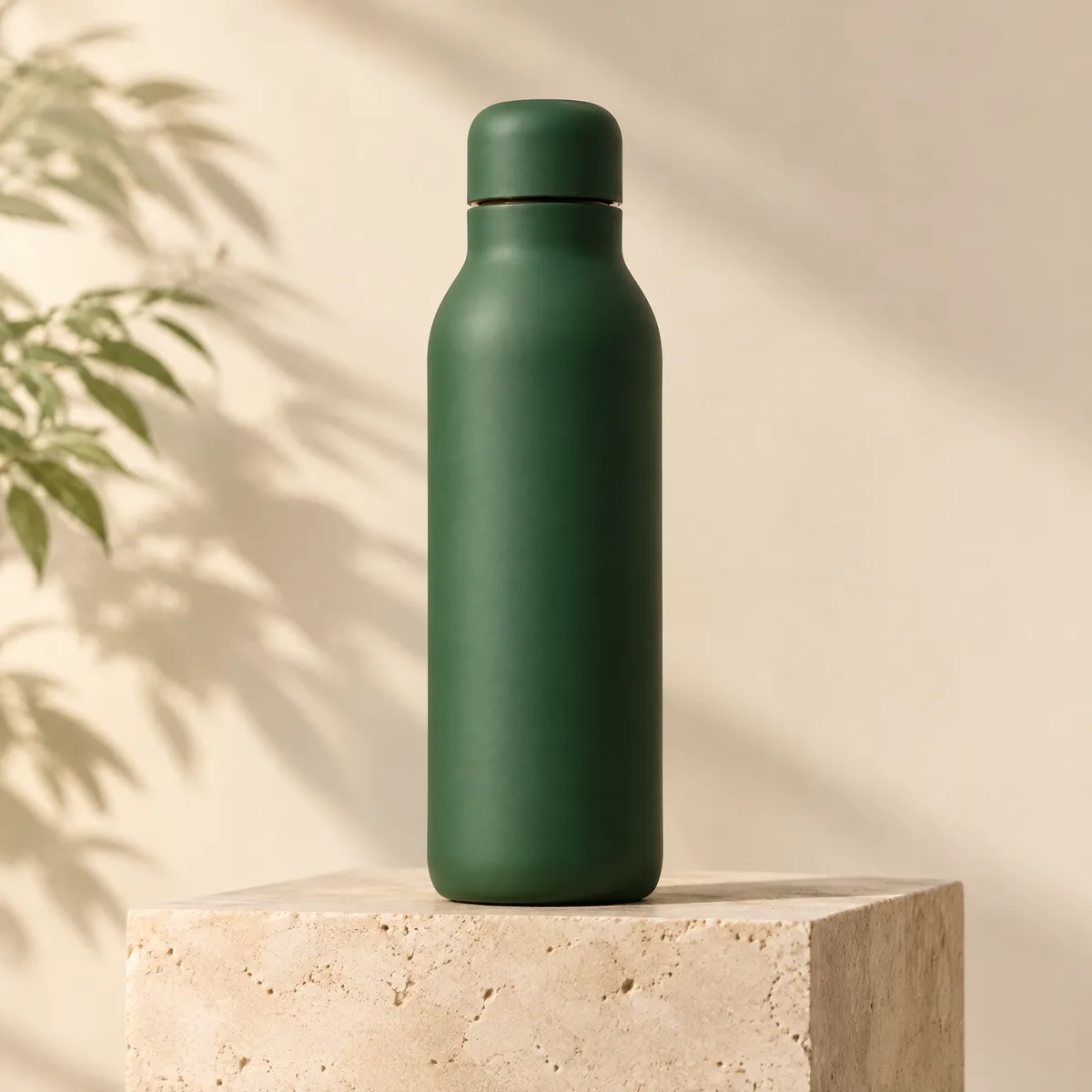
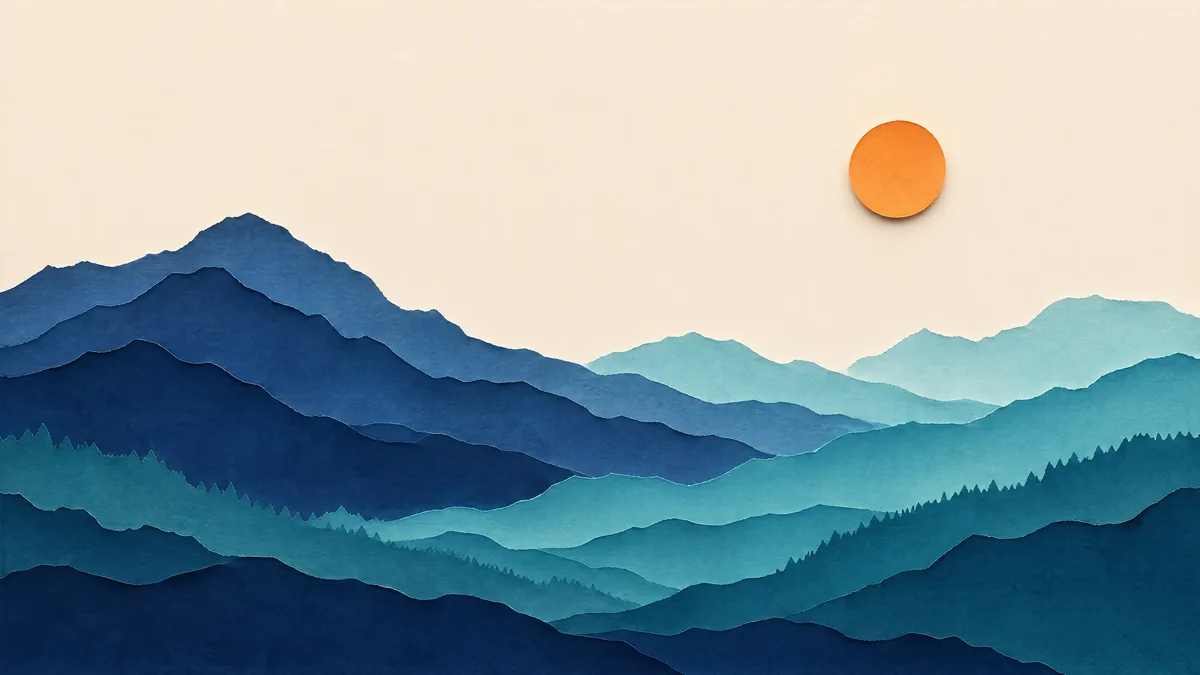
These page previews are compressed for loading speed. Original outputs measured 2048×2048 and 3840×2160. Use explicit pixel strings for size, such as 2048x2048 or 3840x2160; Playground offers the corresponding pixel sizes. GPT Image 2.6 does not accept the literal "2K" and "4K" values used by 2.5.
For a 4K image, use the same endpoint with this JSON body and save the decoded bytes as a PNG:
{
  "model": "openai/gpt-image-2.6-sunburst",
  "prompt": "A wide landscape of layered paper-cut mountains, an orange sun, ivory sky, indigo and teal ridgelines. No text.",
  "size": "3840x2160",
  "quality": "high",
  "complexity": "low",
  "output_format": "png",
  "n": 1
}
Static 4K support does not imply that a 4K animation is within the total pixel budget. Start GIFs at the tested 512×512 frame size.
GPT Image 2.6 pricing
Flare and Sunburst share the same token rates, 20% below the official Standard rates listed here. Standard, 2K and 4K images use the same rates; resolution, quality and animation frames affect usage.
| Usage | Official Standard / 1M tokens | RouteMux / 1M tokens |
|---|---|---|
| Text input | $5 | $4 |
| Image input | $8 | $6.40 |
| Image output | $30 | $24 |
Image input is a separate billing dimension. Text-to-image PNG/GIF generation is currently available; image editing is not yet enabled. For text-to-image requests, cost = text input tokens × $4 / 1,000,000 + image output tokens × $24 / 1,000,000. Animation frames do not incur a separate per-image fee.
| Measured example | Text input / image output tokens | Official Standard estimate | RouteMux estimate |
|---|---|---|---|
| 1024×1024 PNG, low | 24 / 824 | $0.02484 | $0.019872 |
| 512×512 GIF, 9 frames, low | 92 / 1172 | $0.03562 | $0.028496 |
| 2048×2048 PNG, medium | 42 / 2944 | $0.08853 | $0.070824 |
| 3840×2160 PNG, high | 45 / 3336 | $0.100305 | $0.080244 |
These estimates use the samples on this page; they are not fixed per-image prices. Prompts, dimensions, quality and frame counts can change the final cost. Check your request log for actual usage and settlement. See current prices for Flare and Sunburst.
Migrating from GPT Image 2.5
GPT Image 2.5 retains its existing per-image pricing. Select a 2.6 model ID explicitly to use the new models and token pricing.
GPT Image 2.6 supports explicit pixel dimensions and quality settings. GIFs have their own frame budget and are billed by token usage. Save the response usage to compare your requests.
Frequently asked questions
Can GPT Image 2.6 generate memes?
Yes. Describe a static meme or a looping reaction GIF in the prompt. This page includes 6 native GIFs and 2 static memes covering developers, office life, cat reactions and Chinese captions. The GIFs are generated outputs, not animations assembled from a single static result. Check captions before publishing.
Is this a video API request?
No. This workflow calls the image-generation endpoint and saves GIF bytes.
How many GIF frames can I request?
RouteMux accepts 2–16 frames at 512x512, with n=1. Set frame_duration_ms to a multiple of 10 from 20 to 2000. All three animation parameters must be explicit. The examples use 9 frames at 200 ms. The official guide and API Reference differ on the maximum (64 versus 16); RouteMux uses the conservative 16-frame limit.
Does RouteMux support SVG and markup-guided edits?
PNG and GIF generation are available. SVG and image editing are not yet enabled. Use /v1/images/generations, output_format set to png or gif, and n=1. Streaming, partial_images, prompt_rewriter and URL responses are not supported. GIF requests cannot use output_compression.
Does 4K mean maximum quality?
No. size chooses resolution and quality chooses rendering quality. Verify composition at a lower setting before choosing the final size and quality.